Dia (The Browser Company)
An AI browser whose first-run 'Getting Started' page teaches five things: trust, the ⌘E chat shortcut, learning your patterns, history as context, and payoff by the end of the week. Setup offers optional import from your old browser and ChatGPT memories, with preloaded Skills.
Notes
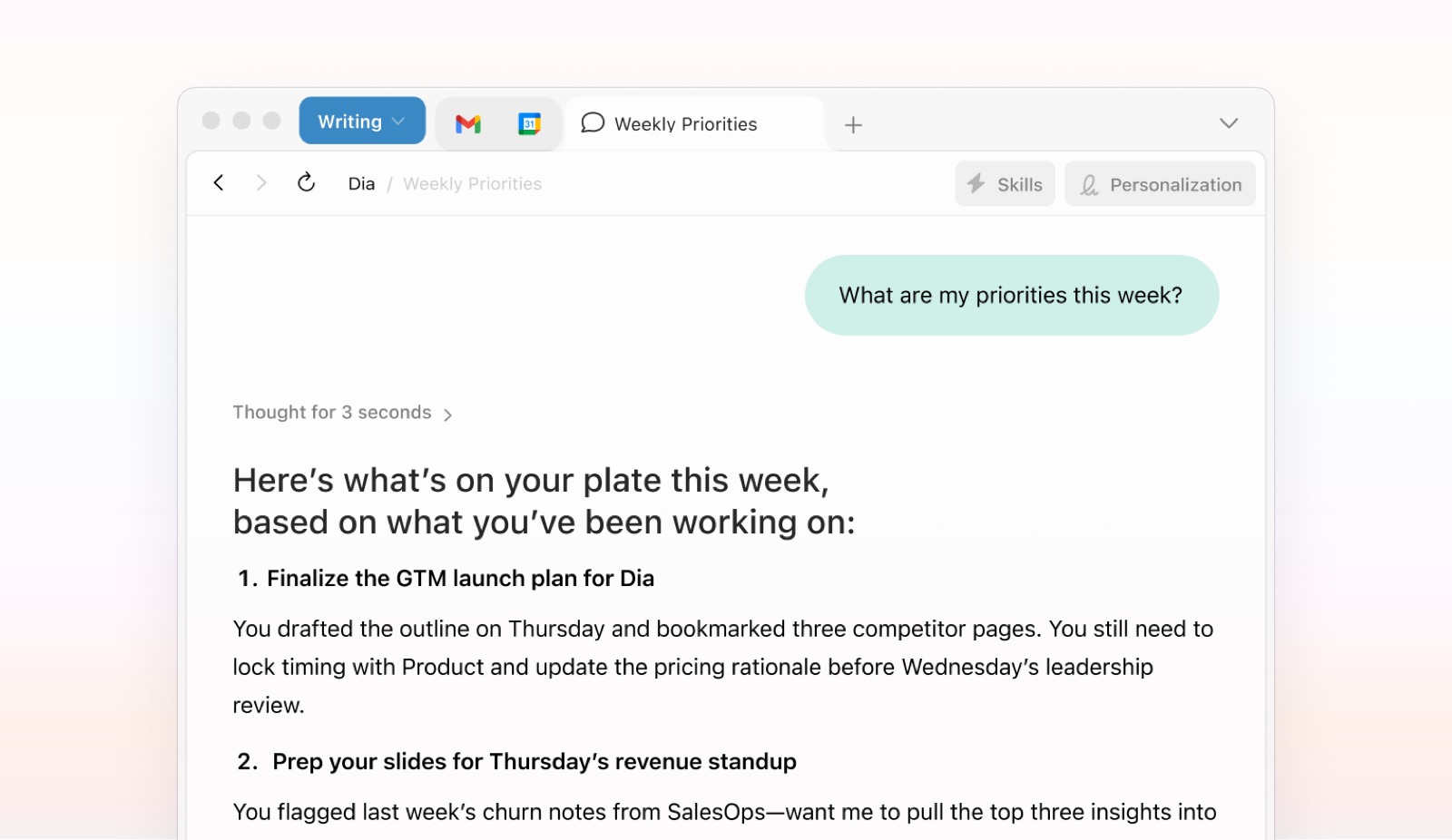
- 'Welcome to Dia — Here are five things to know': 1 Built for your trust (data encrypted and stored locally), 2 With you on every page ('Press ⌘E to open Chat'), 3 Learns how you work, 4 History, but way better, 5 By the end of the week…
- The page sets a time-to-value promise: 'After a week, you won't be able to go back to your old browser.'
- Privacy is placed first; the history section says Dia avoids storing data from sensitive sites such as banking and health by default.
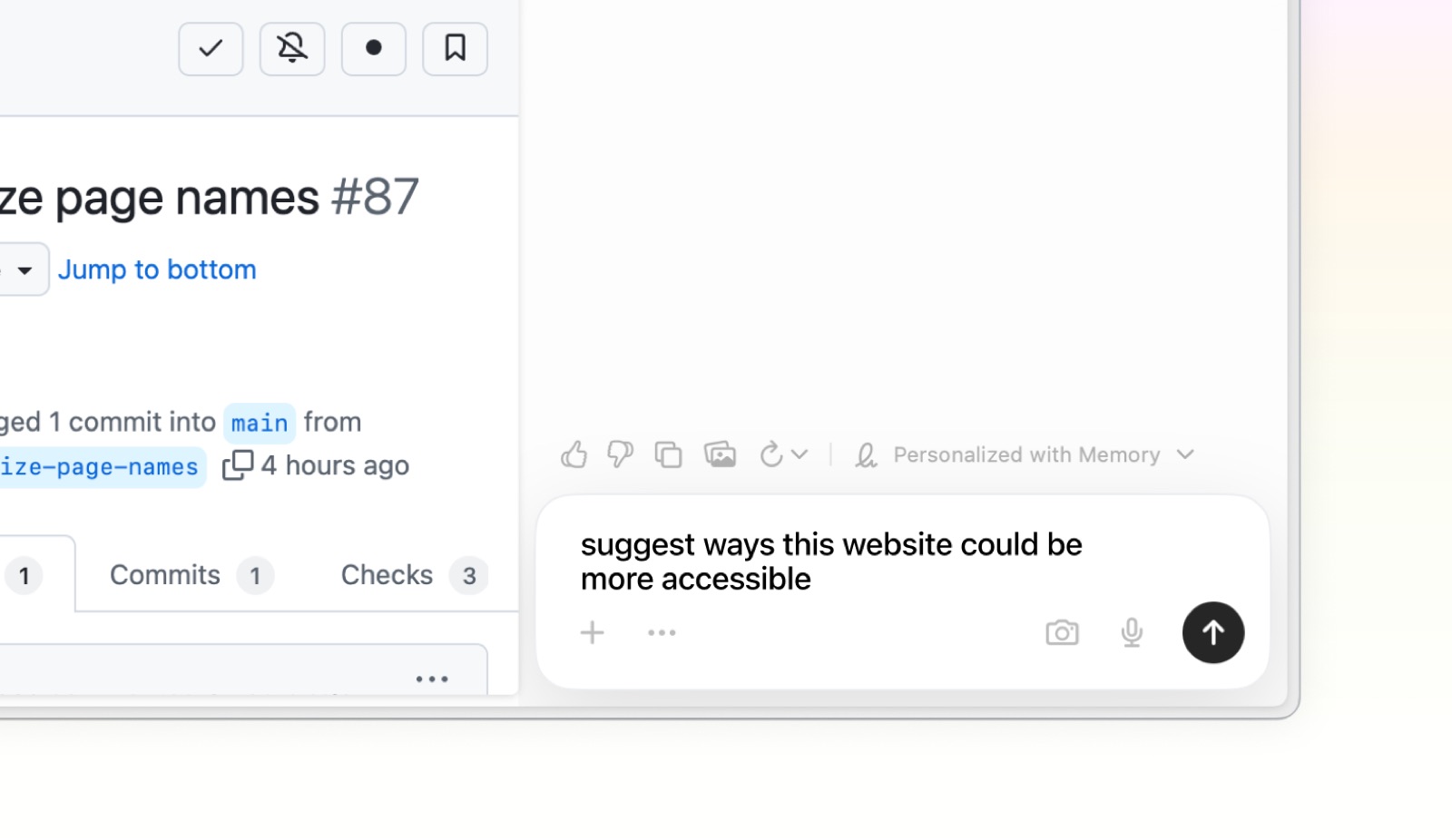
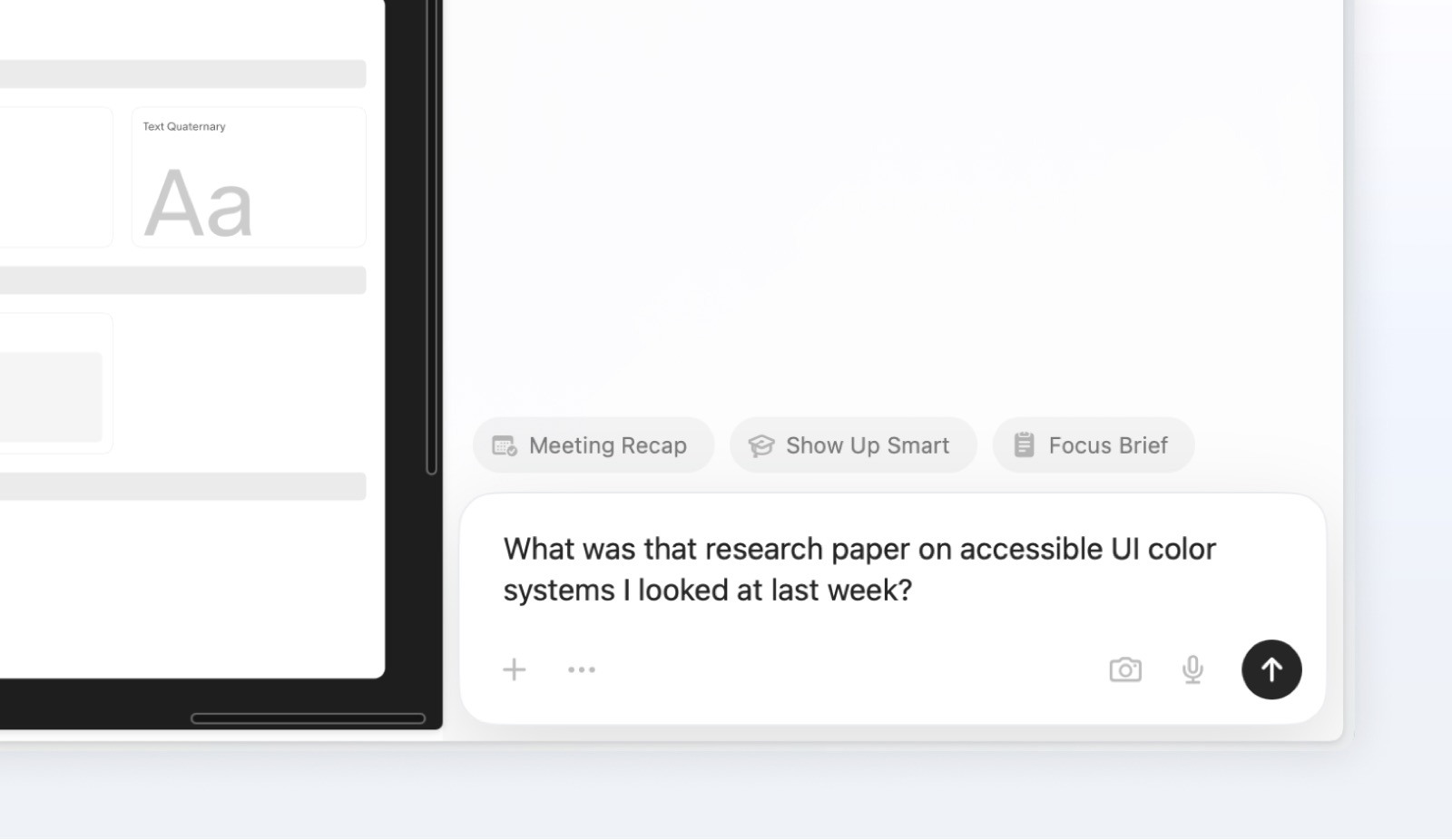
- Illustrations show the chat bar with sample prompts ('suggest ways this website could be more accessible', 'What was that research paper… I looked at last week?') and Skill chips (Meeting Recap, Show Up Smart, Focus Brief).
- Dia's help copy calls import of bookmarks, passwords, history and extensions optional and offers 'Import from ChatGPT…' to seed Memories; Skills come preloaded (e.g. Summarize in Chat).
- SupaSidebar's review says first run imports from Safari, Chrome, Edge or Brave, opens the AI sidebar, and includes a short Skills walkthrough and a Memory opt-in.
Patterns
welcome page with numbered principleskeyboard shortcut teachingprivacy-first framingimport from previous toolmemory opt-inpreloaded skills
Articles
- Getting Started (Welcome to Dia)Dia Browserby the team
- Dia Browser Mac Review (2026)SupaSidebar